 Apple JB
Apple JB
Apple JB
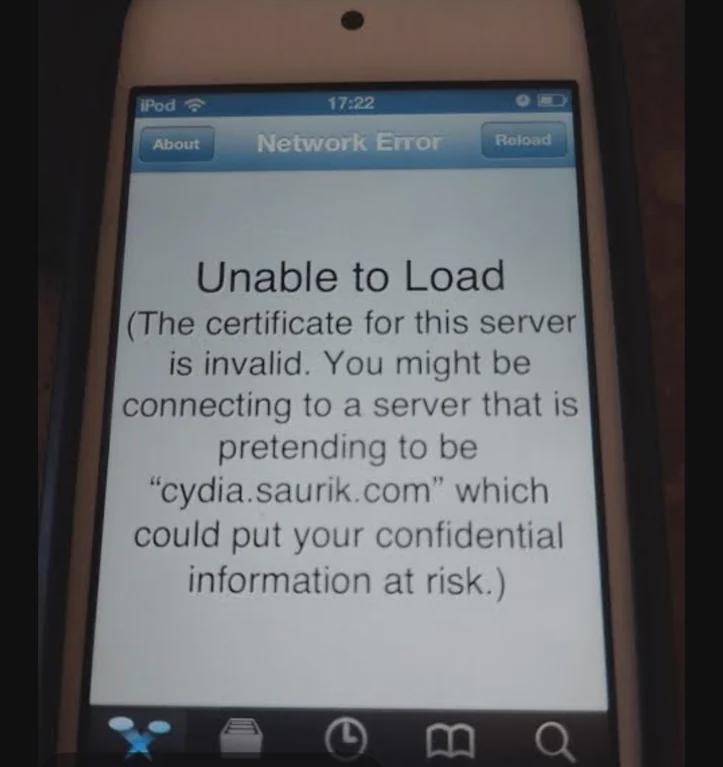
On older devices, from iOS 1.0 to iOS 7.1.2, Cydia gives a "Unable to Load" error. This is because cydia.saurik.com is signed with the DigiCert Global Root G2 cert, which Apple added to iOS 7.1.2 by default.
This error can be easily fixed, and will get you in the Cydia homepage in no time!
The "Unable to Load" error in Cydia.
There are 2 different ways to do this.
Cydia should now be patched. You can now use modern repos and see the Cydia homepage.
Cydia should now be patched. You can now use modern repos and see the Cydia homepage.